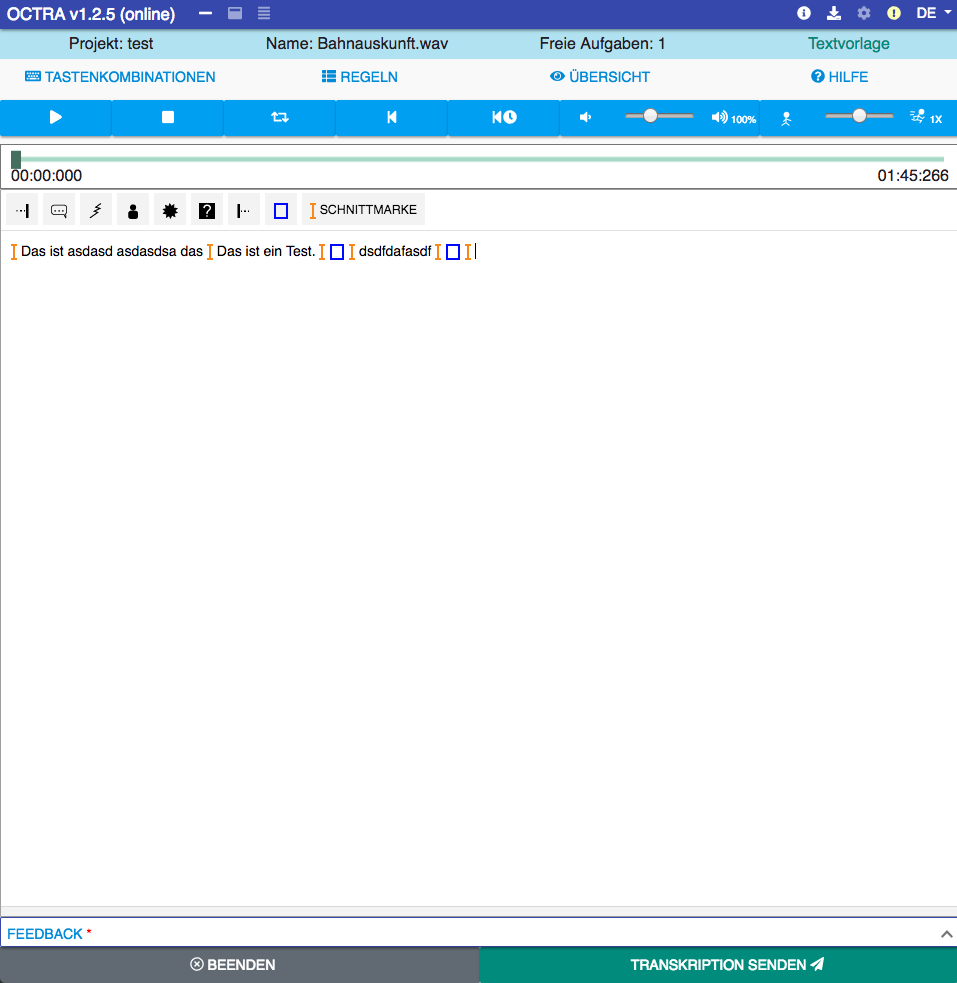
This editor comes without signal display. It's a very easy-to-use editor. You can define time aligned segment boundaries as crop markers.
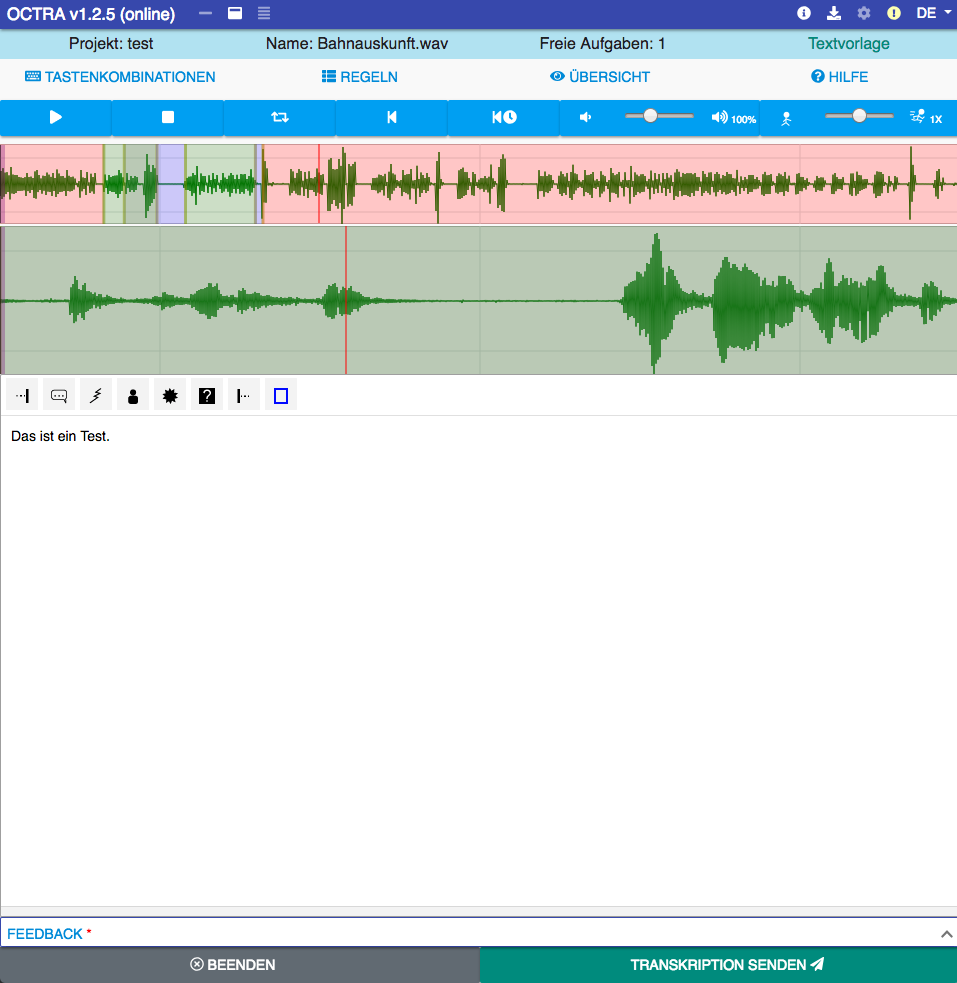
This editor comes with two signal displays. One for the whole audio signal and one for exploration of a selection. You can define segments and transcribe segment after segment.
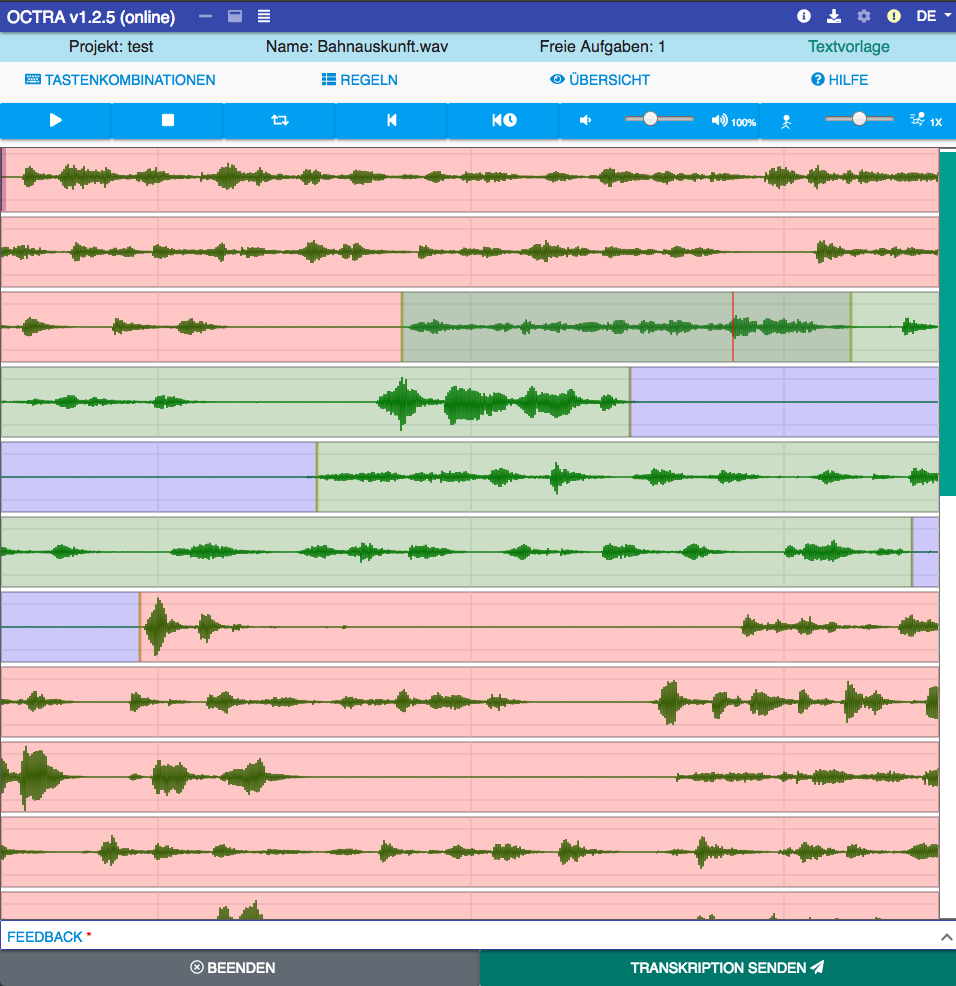
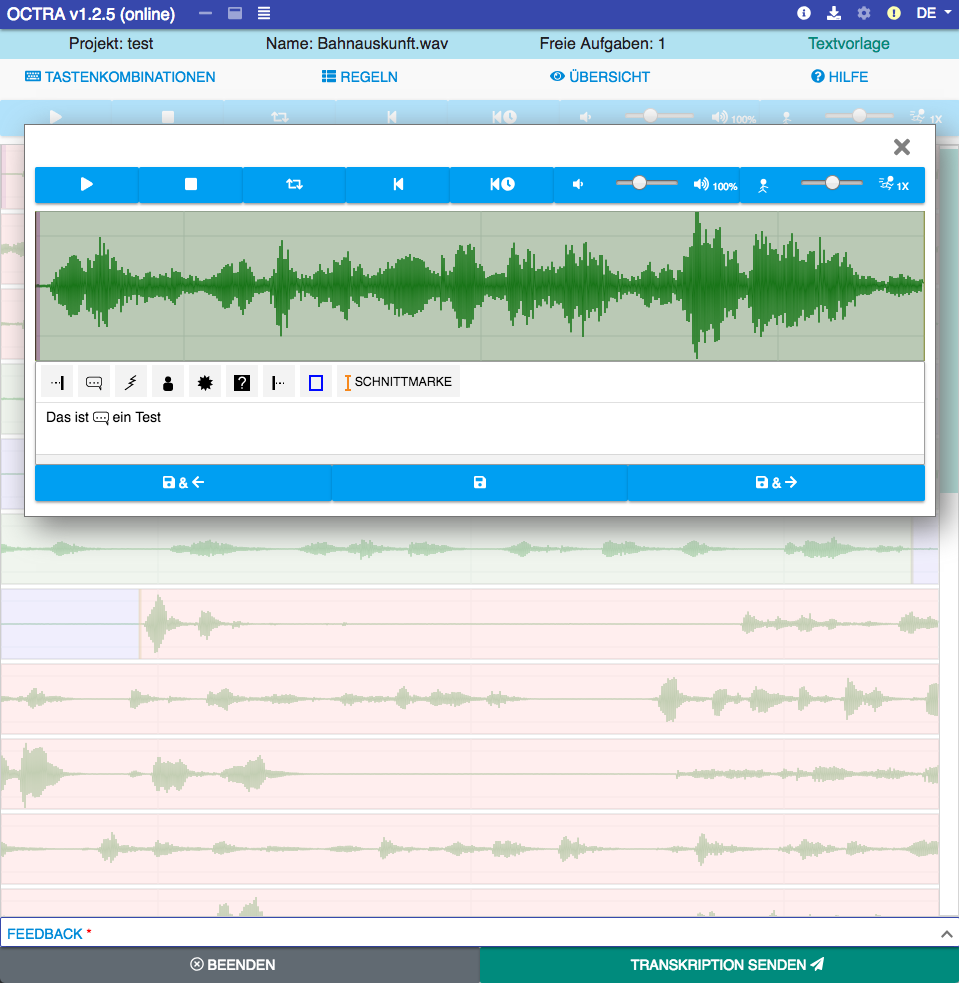
This special editor uses a new approach. It crops the audio signal into pieces and shows these as lines. This enables to read the audio signal faster from left to right and line by line. You can define segments and transcribe these segment after segment, too.
You can use OCTRA in online or local mode. In online mode, an audio file is requested automatically and in local mode, you can select an audio file from your hard disk. New: You can open audio files via URL and embed OCTRA into other websites.
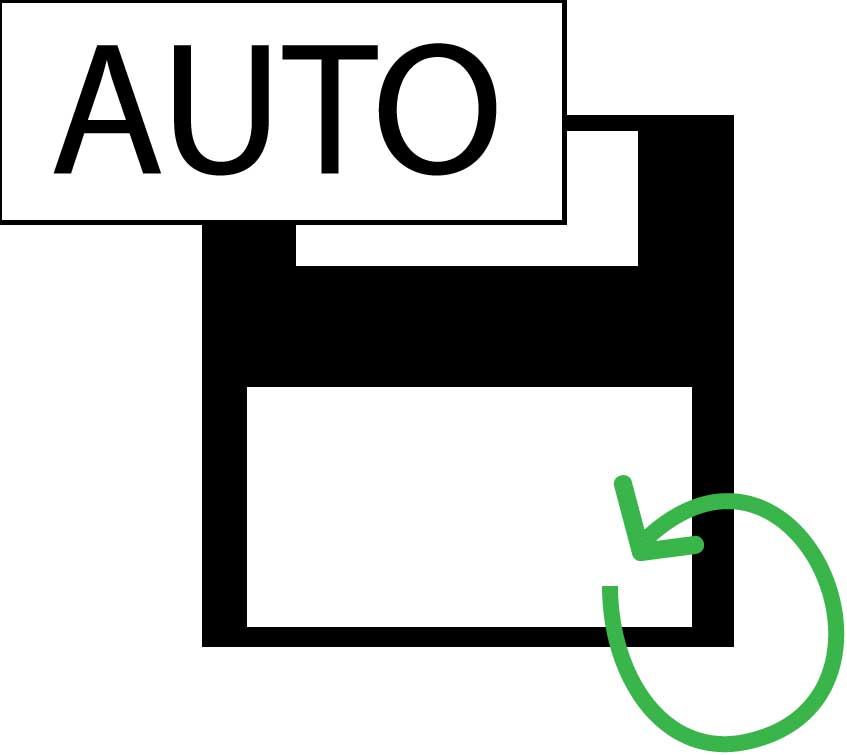
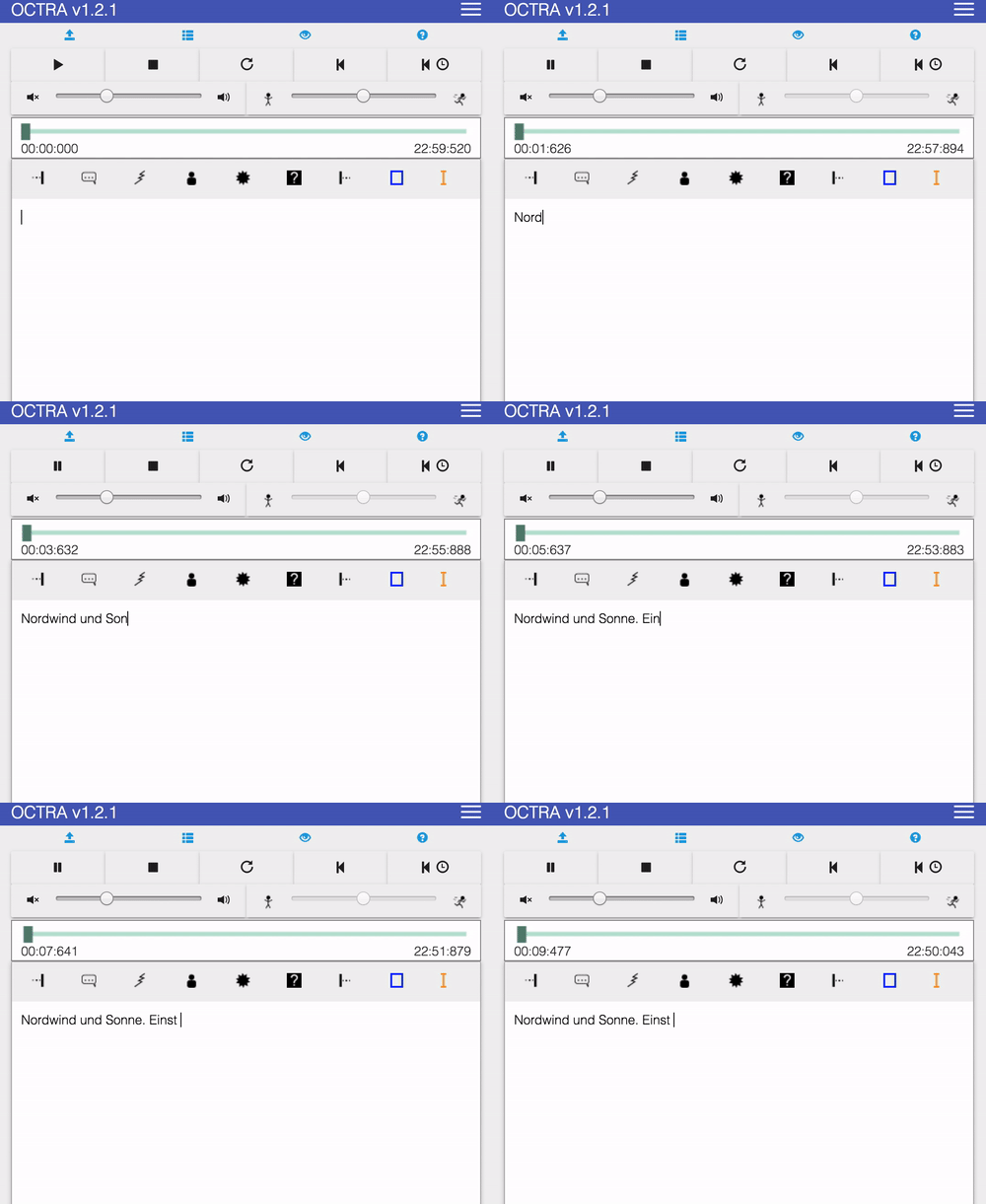
Transcription of long audio files can be a very hard and long task. The risk of data loss should be minimized. That's why OCTRA saves your proceedings automatically (approx. every 2 seconds).
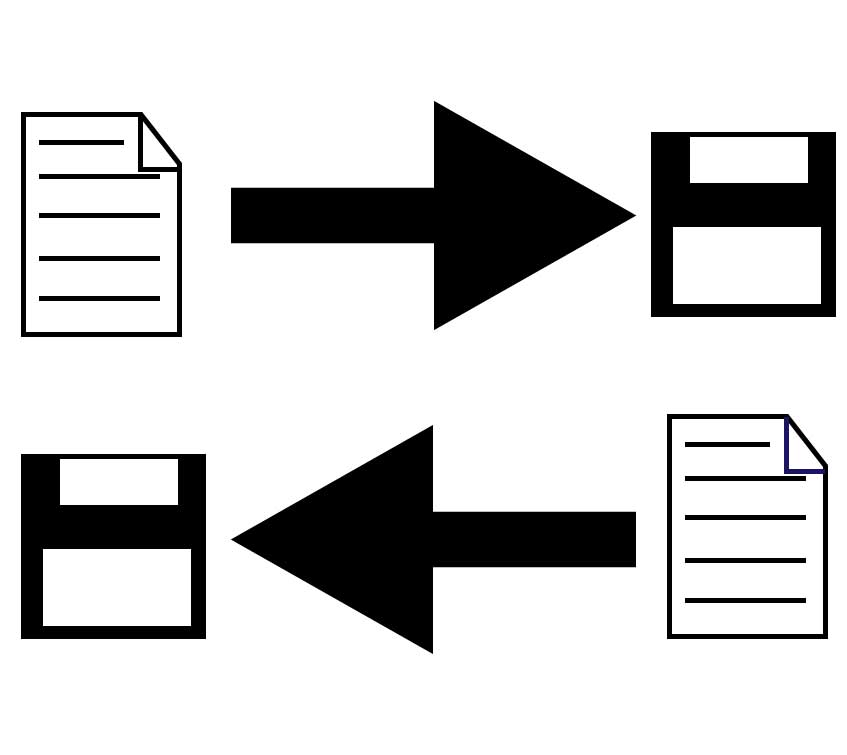
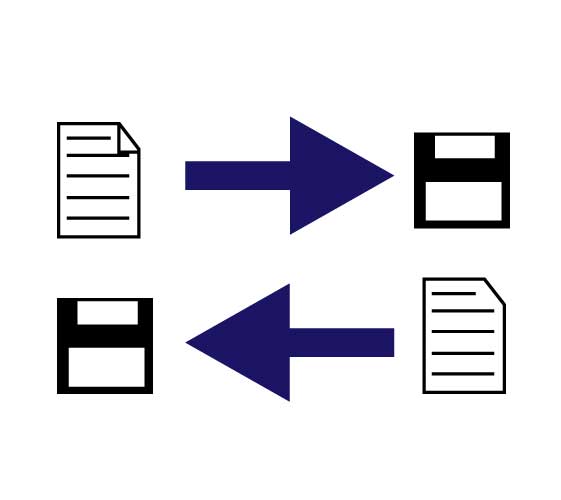
OCTRA not only allows you to use an audio file from your filesystem but also your data exported from another application. If you want to process your proceedings after using OCTRA you can export them to various file formats.
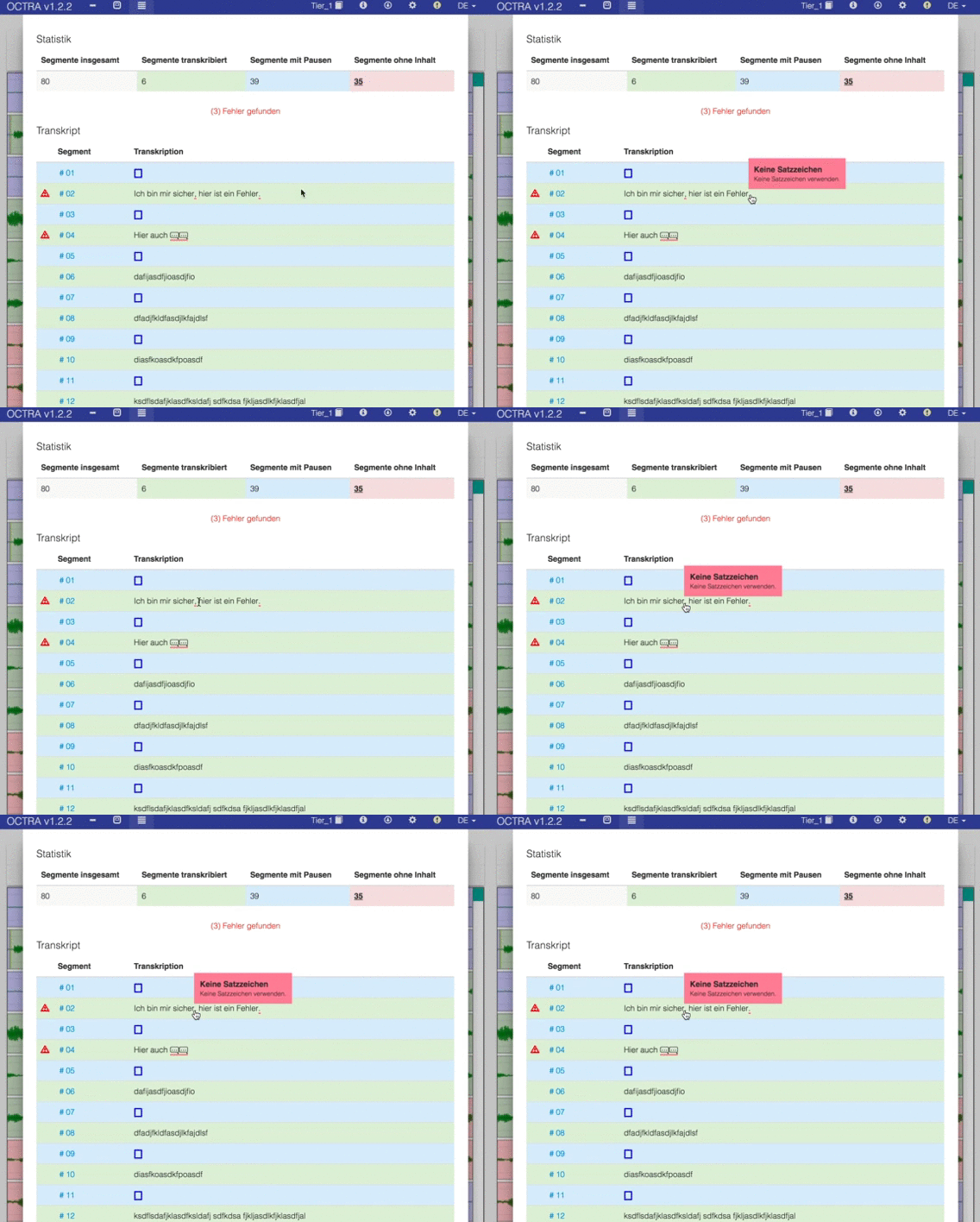
In some situation, transcription guidelines are needed. These can be defined in OCTRA and validated in that way, that the error is underlined in red. If you hover over it, you see the error description.